
Discover the cutting-edge world of XINMENG’s keyboard and gaming peripherals designed to elevate your typing and gaming experience to the next level.
Mechanical Keyboards
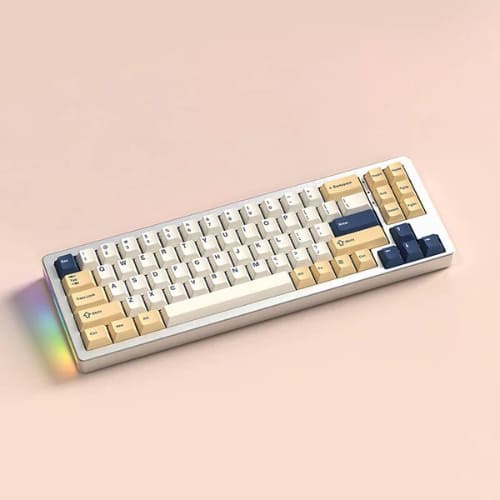
XINMENG offers premium mechanical keyboards featuring compact 68% layouts with durable aluminum bodies and hot-swappable keys, allowing for easy customization and long-lasting performance.
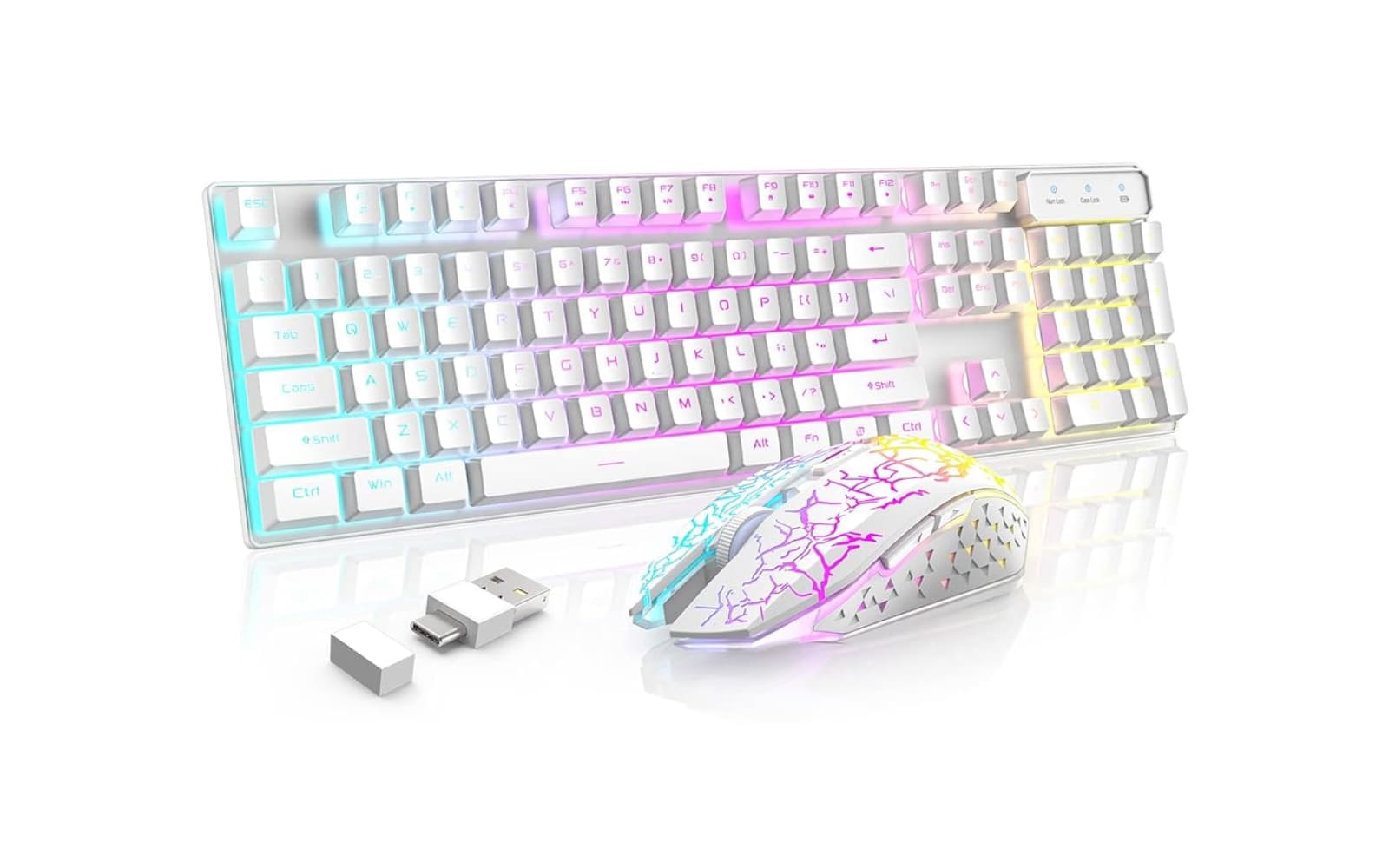
Wireless & Rechargeable Gaming Keyboard and Mouse Combos
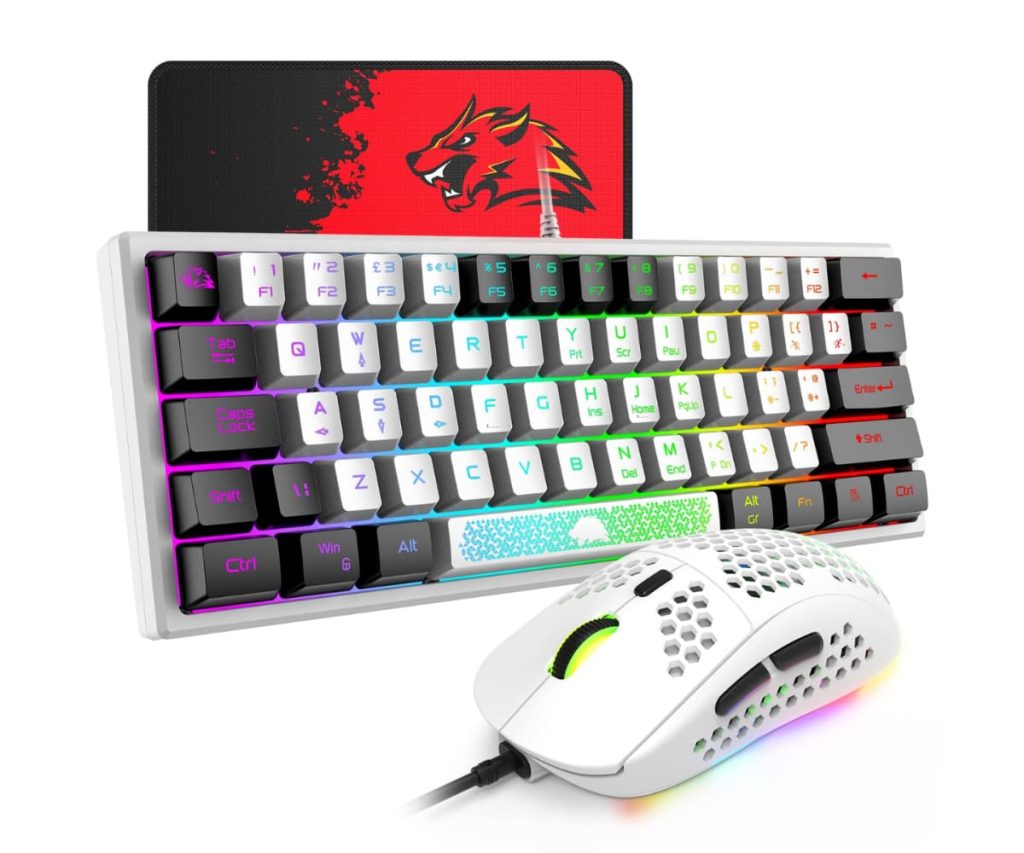
Experience freedom and style with XINMENG’s wireless gaming combos, boasting RGB backlighting, powerful rechargeable batteries ranging from 3800 to 5000mAh, and sleek metal panels for an immersive gaming setup.
Versatile Connectivity Keyboards
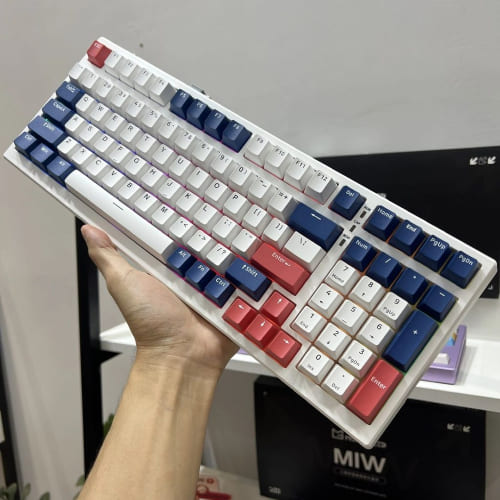
These keyboards support multiple connectivity options including wired USB, Bluetooth, and 2.4GHz wireless modes, providing seamless switching and compatibility across all your devices.
Gaming Mice with Adjustable DPI
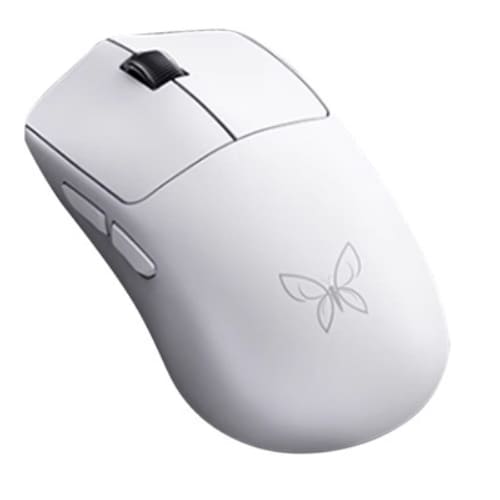
XINMENG’s gaming mice come equipped with adjustable DPI settings and mechanical-feel buttons, giving you precise control and tactile feedback to dominate every game.
(review) 2 MONTHS OF N520 KEYBOARD | Shopee | Xinmeng N520 Product Review (Subs Available)
Reviews
John Matthews
“I’ve been using the XINMENG M71 Aluminum Mechanical Keyboard for over six months, and it’s hands down one of the best keyboards in its price range. The aluminum body feels solid and premium, and the hot-swappable keys made it super easy to customize with my preferred switches. The RGB lighting is vibrant and customizable, which really enhances my gaming setup’s aesthetics. Battery life is impressive too, lasting days on a single charge even with the backlight on.”
Sophia Ramirez
“The wireless keyboard and mouse combo from XINMENG has completely changed how I game. The 4800mAh battery means I can play for hours without worrying about recharging. The mouse’s adjustable DPI is perfect for switching between fast-paced FPS games and slower strategy games. Plus, the RGB lighting looks fantastic and syncs well between the keyboard and mouse. It’s comfortable, responsive, and very reliable in terms of connectivity.”
David Chen
“As someone who needs multiple connection options, the XINMENG keyboard with USB, Bluetooth, and 2.4GHz wireless connectivity has been a game changer. I switch between my laptop and desktop effortlessly without unplugging anything. The build quality is solid, and the mechanical-feel keys provide satisfying feedback even though it’s technically a hybrid switch. The versatility and performance for the price are outstanding.”